

Whether you’re a seasoned gamer or a novice exploring the world of emulators, the “Nintendo Switch Emulator Android” is a term you’ll encounter. Let’s dive into understanding this concept better.
[lwptoc numeration=”none”]
Understanding Nintendo Switch Emulators
A Nintendo Switch emulator is a software that mimics the functionality of Nintendo Switch, allowing you to play its games on other platforms like your Android device. Emulators are a boon to gaming enthusiasts seeking more freedom in terms of resolution, frame rate per second (FPS), and the flexibility to play anywhere, anytime.

The Top Nintendo Switch Emulators for Android
There are multiple Nintendo Switch emulators available for Android, but the ones that stand out due to their performance and compatibility are:
Yuzu Emulator
Yuzu is a popular Nintendo Switch emulator for Android. It is open-source and constantly updated by its developers, ensuring compatibility with the latest Switch games. However, the performance can vary depending on your device’s capabilities.

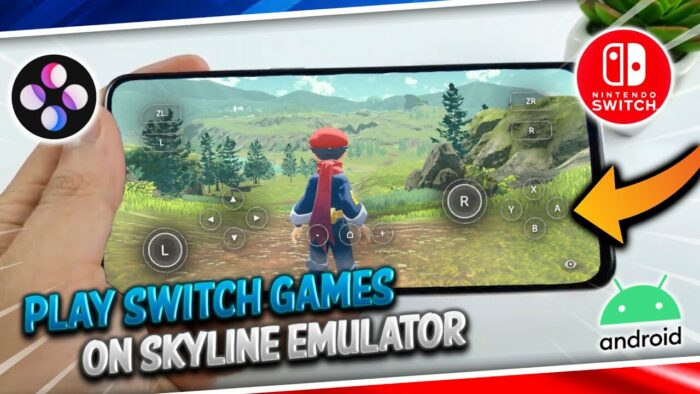
Skyline Emulator
Skyline is another potent emulator, renowned for its impressive performance and wide compatibility with Switch games. It is an open-source project, offering frequent updates to match the evolving gaming landscape.

Egg NS Emulator
Egg NS is a relatively new player in the emulator world but has managed to create a buzz. It offers promising performance, but its compatibility with games is not as wide as Yuzu or Skyline.

Emulator Installation Guide
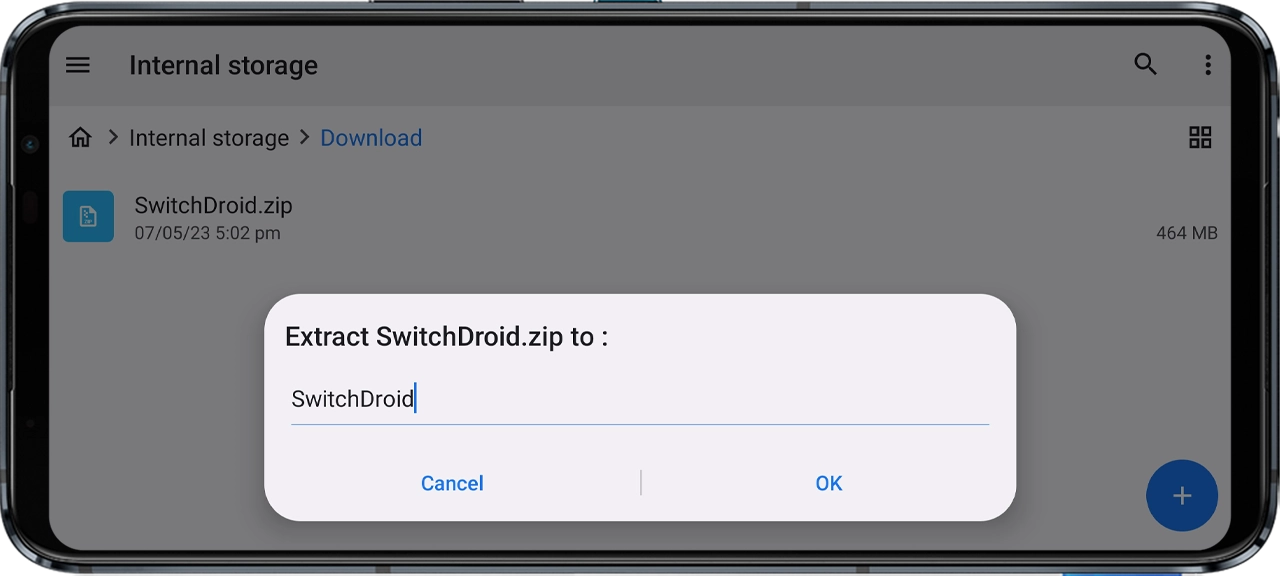
Installing a Nintendo Switch emulator on Android involves a few simple steps. We’ll use the Skyline emulator as an example.
- Downloading the Emulator. You can download the Skyline emulator from its official website. Make sure to download the APK file compatible with your device’s Android version.
- Installing the Emulator. Once downloaded, open the APK file to install the emulator. You might need to grant permission to install from unknown sources.
- Loading the Games. After the installation, you can load games onto the emulator. Make sure to only use games that you own to avoid legal issues.
Tips and Tricks for Optimal Gaming Experience
Optimizing your gaming experience on a Nintendo Switch emulator for Android involves tweaking settings based on your device’s capabilities and the specific game requirements. Here are a few general tips:
- Update Regularly: Always keep your emulator updated for better compatibility and performance.
- Adjust Settings: Experiment with different settings in the emulator to find the best balance between performance and graphics for your device.
- Choose Games Wisely: All games may not run smoothly on emulators. Check online forums for compatibility lists.
- Device Specs: Higher device specifications generally result in better emulation performance.
Conclusion
Embracing the world of emulators opens up a new horizon of gaming freedom. Whether you choose Yuzu, Skyline, or Egg NS as your Nintendo Switch Emulator Android, the key is to experiment, explore, and enjoy the process. Remember, the goal is to enrich your gaming experience, so choose the path that provides you with the most enjoyment and convenience. Happy gaming!
Frequently Asked Questions
Is using a Nintendo Switch Emulator Android legal?
Yes, using a Nintendo Switch emulator is legal, but downloading and playing games that you do not own is not. Always use games that you’ve purchased legally.
What are the system requirements for running a Nintendo Switch Emulator Android?
The system requirements vary depending on the specific emulator and the game. However, generally, a device with a high-performance processor, ample RAM, and a good GPU is recommended.
Which is the best Nintendo Switch Emulator for Android?
There is no definitive answer as it depends on various factors like your device’s specifications, the game you want to play, and personal preference. Yuzu, Skyline, and Egg NS are some of the top contenders.
How to improve the performance of my Nintendo Switch Emulator Android?
Keep your emulator updated, adjust settings based on your device’s capabilities, choose compatible games, and ensure your device is running the latest Android version for optimal performance.
Can I play all Nintendo Switch games on an emulator?
While emulators aim to support as many games as possible, not all Nintendo Switch games may run smoothly on an emulator due to varying game complexities and emulator capabilities.
